H8276 | Sony Xperia XZ2
Android 8 Oreo 51.1.A.4.225
Download the official Android Android 8 Oreo for Sony Xperia XZ2 H8276 mobile easily and high speed download links support resuming
Changes in Android 8 for Sony's H8276 Phone
With the release of Android 8, the H8276 phone from Sony has seen significant improvements compared to previous versions. The phone's performance has been greatly enhanced, allowing for smoother and faster navigation between apps. The new system also provides a more interactive and comfortable user experience.
Aesthetically, the user interface has been updated to be more modern, featuring new icon designs and better customization options. New features such as Picture-in-Picture have been included, allowing users to watch videos while browsing other applications.
Regarding privacy, security settings have been strengthened, enabling users to have better control over the permissions granted to each app. With continuous security updates, users can feel more secure while using their phones.
App management has also seen significant developments, as users can now manage installed applications more easily, including the ability to uninstall unused apps with a single click. App performance has also become more efficient due to system-level improvements.
Thanks to these enhancements, Android 8 is a significant upgrade for Sony's H8276 phone, providing an improved user experience and superior performance.
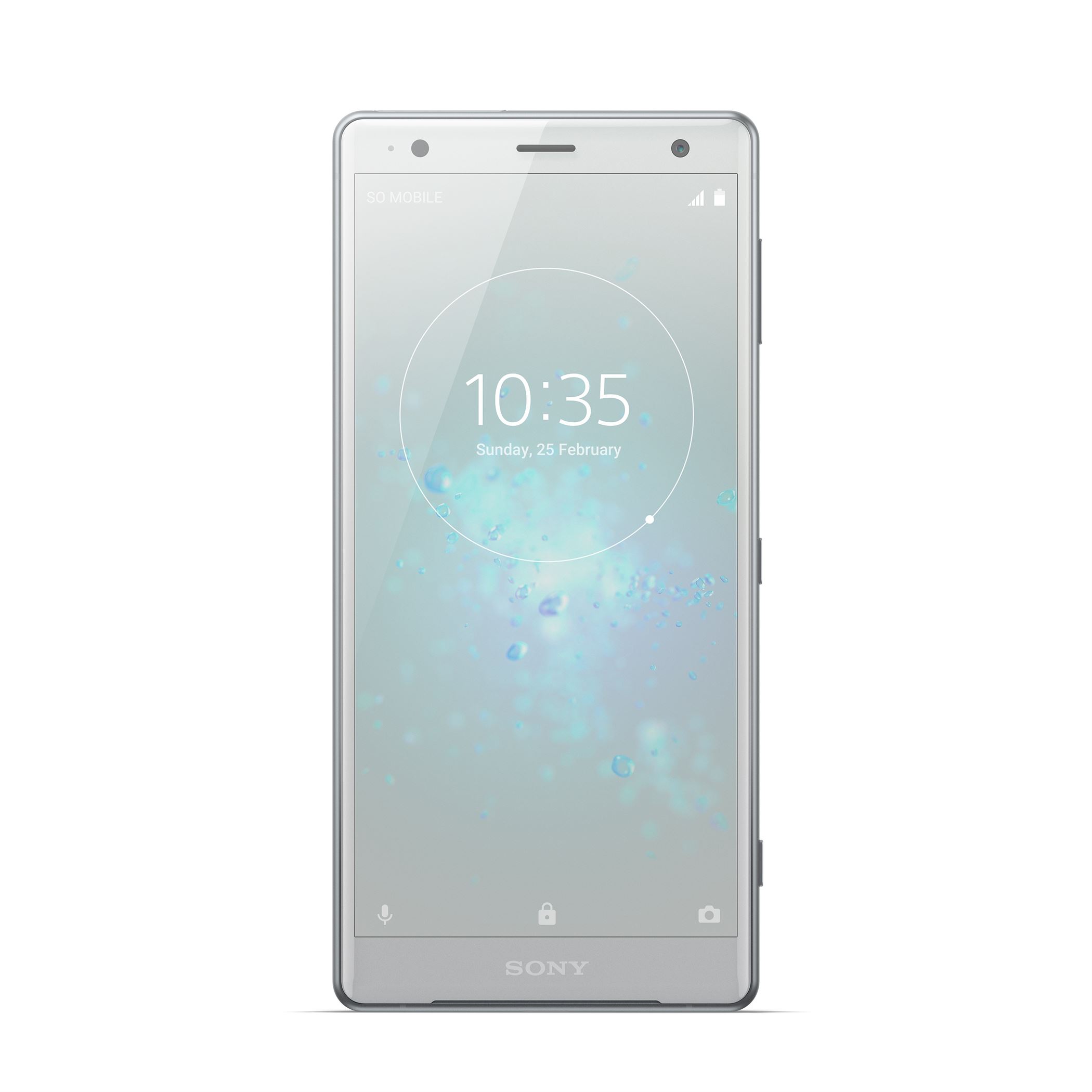
| Brand | Sony | |
|---|---|---|
| Name | Xperia XZ2 | |
| Model | H8276 | |
| System | Android 8 Oreo | |
| Baseband | 51.1.A.4.225 Bell Mobility CA | |
| Firmware Type | Upgrade Firmware | |
| Download Count | 1,548 | |
| Notes |
-
Attention:
- This firmware for Xperia XZ2 mobile is compatible with model H8276 only and should not be installed on any other model.
- The firmware version is Android 8, most phone manufacturers don't allow you to downgrade the system to an earlier version.
- Installation is at your own risk.
Choose one of the download links below to download the file