SM-T515 | Samsung Galaxy Tab A 10.1 2019
Android 9 Pie T515XXS4ATB4
Download the official Android Android 9 Pie for Samsung Galaxy Tab A 10.1 2019 SM-T515 mobile easily and high speed download links support resuming
Changes in Android 9 for Samsung's SM-T515
Android 9, also known as Pie, introduced a range of significant enhancements compared to the previous Android version. With the update for the SM-T515 that runs on the T515XXS4ATB4 baseband, users experienced improvements in performance and user interface.
One of the most notable enhancements is the improved phone performance through the "Adaptive Battery" feature, which analyzes app usage and allocates power accordingly, contributing to extended battery life. Additionally, the user interface has been significantly upgraded, offering a smoother and more user-friendly design.
Regarding privacy, Android 9 introduced new features such as more detailed app permission controls, allowing users to specify when apps can access sensitive data. App management has also been improved, enabling users to see which apps consume the most resources and manage them easily.
Furthermore, security updates have been enhanced, becoming more frequent, thus providing better protection against potential threats. Additionally, Android 9 introduced new features like "Digital Wellbeing" that help users track their app usage and manage their screen time more effectively.
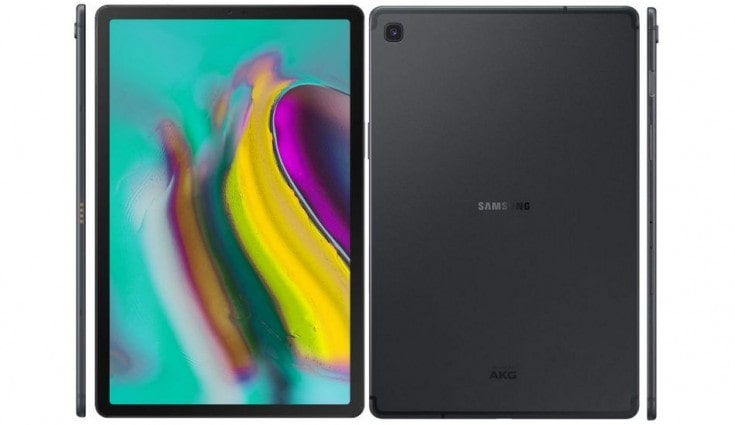
| Brand | Samsung | |
|---|---|---|
| Name | Galaxy Tab A 10.1 2019 | |
| Model | SM-T515 | |
| System | Android 9 Pie | |
| Baseband | XSG T515XXS4ATB4 | |
| Firmware Type | Upgrade Firmware | |
| Download Count | 1,652 | |
| Notes |
-
Attention:
- This firmware for Galaxy Tab A 10.1 2019 mobile is compatible with model SM-T515 only and should not be installed on any other model.
- The firmware version is Android 9, most phone manufacturers don't allow you to downgrade the system to an earlier version.
- Installation is at your own risk.
Choose one of the download links below to download the file