SM-T505C | Samsung Galaxy Tab A7 10.4 LTE
Android 10 Q T505CZCS2ATL2
Download the official Android Android 10 Q for Samsung Galaxy Tab A7 10.4 LTE SM-T505C mobile easily and high speed download links support resuming
Changes in Android 10 for SM-T505C from Samsung
Android 10 brought many changes and improvements compared to previous versions, positively affecting the performance of the SM-T505C phone. The overall system performance has been enhanced, making the device faster and more responsive in everyday tasks.
Regarding the user interface, a new dark mode has been introduced, allowing users to have a comfortable experience in low-light environments. The navigation between apps has also been significantly improved, making it easier for users to access frequently used applications.
Concerning privacy, Android 10 provides more control options for users, allowing them to manage app permissions more precisely, which enhances personal security levels. App management has also been improved with new features like more precise location permission settings.
As for security updates, they are now delivered more frequently and with noticeable improvements, helping to protect the device from modern security threats.
Finally, new features have been added, such as focus mode, which helps reduce distractions while working, and the gesture navigation, which simplifies switching between applications.
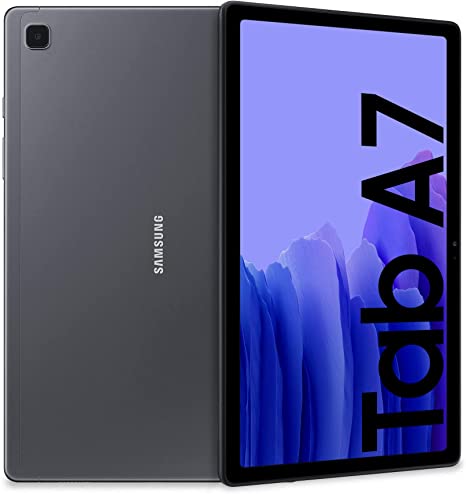
| Brand | Samsung | |
|---|---|---|
| Name | Galaxy Tab A7 10.4 LTE | |
| Model | SM-T505C | |
| System | Android 10 Q | |
| Baseband | CHC T505CZCS2ATL2 | |
| Firmware Type | Upgrade Firmware | |
| Download Count | 723 | |
| Notes |
-
Attention:
- This firmware for Galaxy Tab A7 10.4 LTE mobile is compatible with model SM-T505C only and should not be installed on any other model.
- The firmware version is Android 10, most phone manufacturers don't allow you to downgrade the system to an earlier version.
- Installation is at your own risk.
Choose one of the download links below to download the file