SM-P205 | Samsung Galaxy Tab A 2019 with S Pen
Android 11 R P205DXU6CUH3
Download the official Android Android 11 R for Samsung Galaxy Tab A 2019 with S Pen SM-P205 mobile easily and high speed download links support resuming
Changes in Android 11 for Samsung SM-P205
The latest version of the Android operating system, Android 11, has introduced several notable improvements compared to the previous version. This release features significant performance enhancements, making the device more fluid and efficient in daily use.
The user interface has also undergone major changes, with improvements to the notification shade and new customization options for an enhanced experience. Users can now access quick settings more easily and customize them according to their needs.
On the security front, privacy has been significantly enhanced in Android 11, with new features like more precise permission management, giving users greater control over the data they share with applications.
Additionally, app management has been improved, with a new system for grouping apps into categories, making them easier to access. Security updates are now more regular, which enhances the overall security of the device.
Other new features introduced include the bubble chat feature, which allows users to interact with different applications while using others, providing a more interactive and flexible user experience.
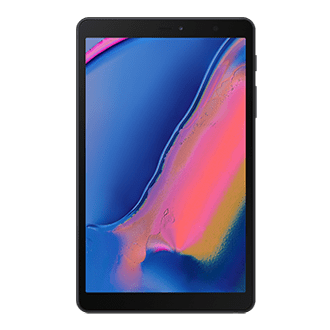
| Brand | Samsung | |
|---|---|---|
| Name | Galaxy Tab A 2019 with S Pen | |
| Model | SM-P205 | |
| System | Android 11 R | |
| Baseband | XME P205DXU6CUH3 | |
| Firmware Type | Upgrade Firmware | |
| Download Count | 676 | |
| Notes |
-
Attention:
- This firmware for Galaxy Tab A 2019 with S Pen mobile is compatible with model SM-P205 only and should not be installed on any other model.
- The firmware version is Android 11, most phone manufacturers don't allow you to downgrade the system to an earlier version.
- Installation is at your own risk.
Choose one of the download links below to download the file