SM-P200 | Samsung Galaxy Tab A 2019 with S Pen
Android 10 Q P200ZHU3BTG1
Download the official Android Android 10 Q for Samsung Galaxy Tab A 2019 with S Pen SM-P200 mobile easily and high speed download links support resuming
Changes in Android 10 for Samsung SM-P200
Android 10 introduced significant improvements compared to its predecessor, enhancing device performance through better resource management and background process handling. This improvement contributes to faster device responsiveness and reduced battery consumption.
Moreover, the user interface was updated to be more straightforward and fluid. New features were added, such as the dark mode, allowing users to enjoy a better experience in low-light conditions, reducing eye strain.
Regarding privacy, Android 10 introduced new control options for users, allowing them to specify how apps can use their personal information, including location. This ensures a higher level of security and privacy.
As for app management, features like notifications for apps running in the background for extended periods were added, helping to improve device performance and conserve battery life. The security update system was also enhanced to be more effective and prompt in delivering necessary updates to protect the device.
In summary, Android 10 for the Samsung SM-P200 offers a range of improvements that enhance performance and make the user experience smoother and more secure.
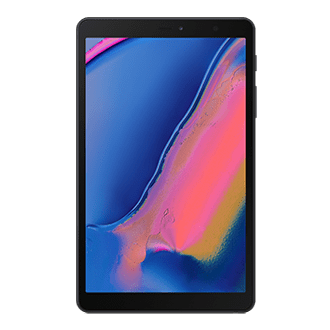
| Brand | Samsung | |
|---|---|---|
| Name | Galaxy Tab A 2019 with S Pen | |
| Model | SM-P200 | |
| System | Android 10 Q | |
| Baseband | MXO P200ZHU3BTG1 | |
| Firmware Type | Upgrade Firmware | |
| Download Count | 821 | |
| Notes |
-
Attention:
- This firmware for Galaxy Tab A 2019 with S Pen mobile is compatible with model SM-P200 only and should not be installed on any other model.
- The firmware version is Android 10, most phone manufacturers don't allow you to downgrade the system to an earlier version.
- Installation is at your own risk.
Choose one of the download links below to download the file