SM-N935S | Samsung Galaxy Note FE (Korea)
Android 9 Pie N935SKSU4CSD1
Download the official Android Android 9 Pie for Samsung Galaxy Note FE (Korea) SM-N935S mobile easily and high speed download links support resuming
Changes in Android 9 for SM-N935S
Android 9, also known as Pie, introduced many significant improvements compared to previous versions, positively impacting the performance of the Samsung SM-N935S. The overall system performance has been enhanced, making it faster and more responsive due to improvements in memory management and processor utilization.
The user interface also saw noticeable changes, featuring a smoother and more modern design. The gesture navigation feature was introduced, making it easier to navigate between apps and return to the home screen. The notification shade was also improved to provide clearer information and easier access.
Regarding privacy, Android 9 added new features for controlling user data, allowing users to specify app permissions more precisely, thus enhancing the security of personal information. App management has also improved, giving users the ability to see which apps are excessively using resources.
Additionally, Android 9 includes regular security updates, ensuring that the phone is protected from vulnerabilities. Among other new features, a adaptive battery saver mode was introduced, which learns from user behavior to optimize battery life more effectively.
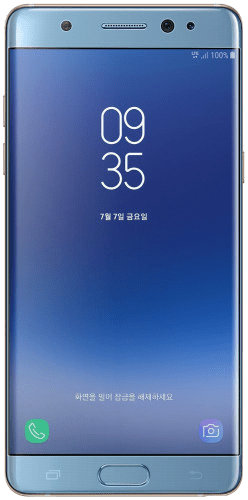
| Brand | Samsung | |
|---|---|---|
| Name | Galaxy Note FE (Korea) | |
| Model | SM-N935S | |
| System | Android 9 Pie | |
| Baseband | SKC N935SKSU4CSD1 | |
| Firmware Type | Upgrade Firmware | |
| Download Count | 1,171 | |
| Notes |
-
Attention:
- This firmware for Galaxy Note FE (Korea) mobile is compatible with model SM-N935S only and should not be installed on any other model.
- The firmware version is Android 9, most phone manufacturers don't allow you to downgrade the system to an earlier version.
- Installation is at your own risk.
Choose one of the download links below to download the file