SM-F900F | Samsung Galaxy Fold
Android 12 S F900FXXS7HWG1
Download the official Android Android 12 S for Samsung Galaxy Fold SM-F900F mobile easily and high speed download links support resuming
Changes in Android 12 for Samsung's SM-F900F
Android 12 represents a significant step forward in the development of Google's operating system, offering noticeable improvements over previous versions. For the SM-F900F, updating to version F900FXXS7HWG1 brings a host of new features and enhancements.
One of the most significant improvements is the overall performance of the phone, with system speed and interface responsiveness enhanced, making the user experience smoother. A new user interface called Material You has been introduced, allowing for better customization of colors and themes, giving the phone a modern and appealing look.
Regarding privacy, privacy settings have been strengthened, enabling users to have greater control over the data they share with apps, along with new notifications when the camera and microphone are in use.
In terms of app management, the notification and background app management have been improved, making it easier for users to access apps more quickly and efficiently. Regular security updates have also been included to ensure the protection of personal data.
Finally, Android 12 introduces new features such as the Privacy Dashboard and battery performance enhancements, providing users with an overall improved experience.
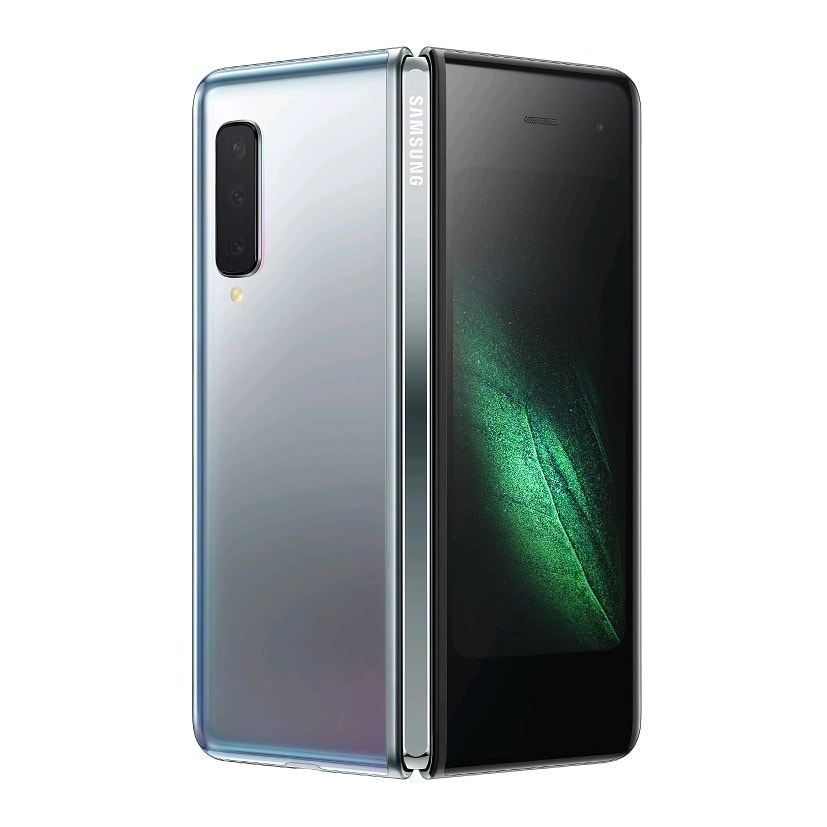
| Brand | Samsung | |
|---|---|---|
| Name | Galaxy Fold | |
| Model | SM-F900F | |
| System | Android 12 S | |
| Baseband | XSG F900FXXS7HWG1 | |
| Firmware Type | Upgrade Firmware | |
| Download Count | 582 | |
| Notes |
-
Attention:
- This firmware for Galaxy Fold mobile is compatible with model SM-F900F only and should not be installed on any other model.
- The firmware version is Android 12, most phone manufacturers don't allow you to downgrade the system to an earlier version.
- Installation is at your own risk.
Choose one of the download links below to download the file