SM-F700N | Samsung Galaxy Z Flip
Android 13 T F700NKOU4JWB5
Download the official Android Android 13 T for Samsung Galaxy Z Flip SM-F700N mobile easily and high speed download links support resuming
Changes in Android 13 for the SM-F700N Samsung Phone
Android 13 offers a range of significant improvements compared to the previous version, with noticeable enhancements in phone performance. Thanks to processing and resource management improvements, the phone runs more smoothly, enhancing the overall user experience.
The user interface features a more modern and customizable design, allowing users to personalize colors and wallpapers more than in Android 12. Animation improvements also enhance the fluidity of navigation between applications.
Regarding privacy, security settings have been significantly strengthened. More transparency is now provided regarding how apps use personal data, giving users greater control over their private information.
As for app management, the ability to manage and customize notifications has been improved, making it easier for users to control which apps can send notifications. The mechanism for security updates has also been enhanced, ensuring that the phone receives updates more quickly and effectively.
Finally, Android 13 introduces new features such as better support for multiple languages and new customization options for the home screen, further enhancing the overall user experience.
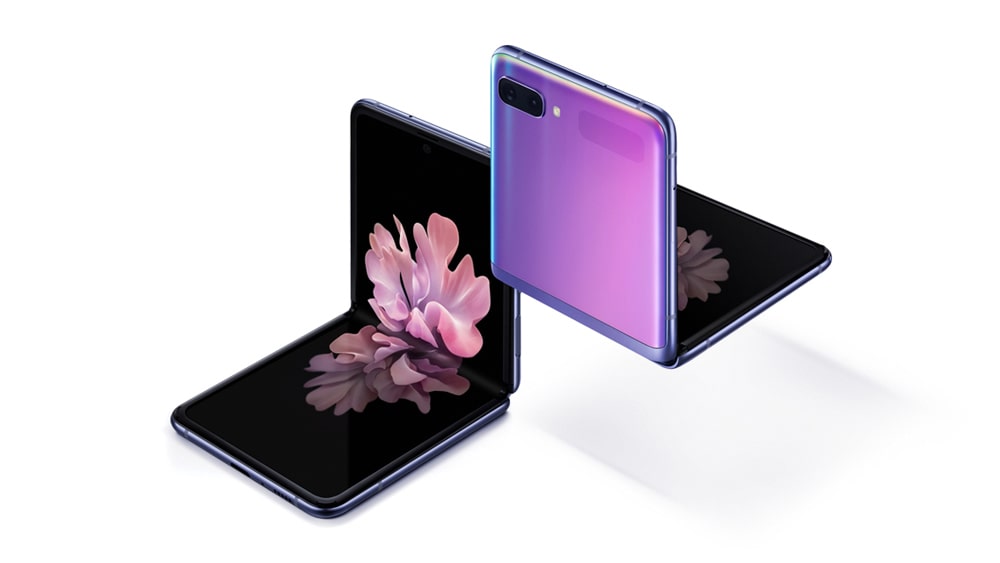
| Brand | Samsung | |
|---|---|---|
| Name | Galaxy Z Flip | |
| Model | SM-F700N | |
| System | Android 13 T | |
| Baseband | LUC F700NKOU4JWB5 | |
| Firmware Type | Upgrade Firmware | |
| Download Count | 441 | |
| Notes |
-
Attention:
- This firmware for Galaxy Z Flip mobile is compatible with model SM-F700N only and should not be installed on any other model.
- The firmware version is Android 13, most phone manufacturers don't allow you to downgrade the system to an earlier version.
- Installation is at your own risk.
Choose one of the download links below to download the file