SM-A207F | Samsung Galaxy A20s
Android 11 R A207FXXS5CWF1
Download the official Android Android 11 R for Samsung Galaxy A20s SM-A207F mobile easily and high speed download links support resuming
Changes in Android 11 for SM-A207F
Android 11 comes with many performance and user interface improvements compared to the previous Android version. The phone's speed and responsiveness have been enhanced, providing a smoother user experience.
The user interface in Android 11 features a more modern design, with new features like chat bubbles that allow users to interact with apps more easily without having to leave their current apps.
Regarding privacy, new controls have been introduced that allow users to manage app permissions better. Users can now grant permissions for a single use, meaning the app will need to request permissions again if it wants to use them later.
App management has been improved by introducing new features such as better notification organization, making it easier for users to keep track of important updates from different apps.
Security updates in Android 11 include system-level enhancements that make the phone more secure. Security patches are released periodically to ensure the protection of users' personal data.
Finally, Android 11 comes with new features like built-in screen recording and enhancements to the multimedia experience, making it easier and more enjoyable to handle media content.
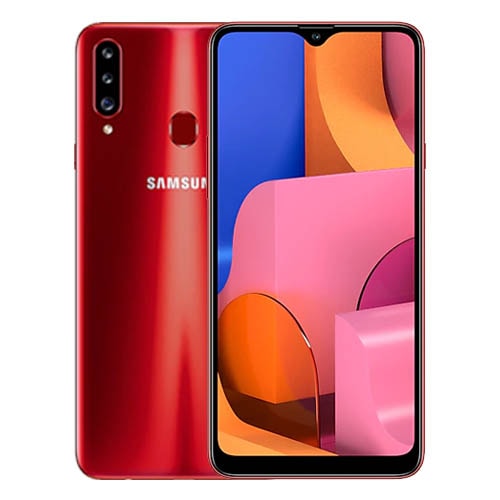
| Brand | Samsung | |
|---|---|---|
| Name | Galaxy A20s | |
| Model | SM-A207F | |
| System | Android 11 R | |
| Baseband | XSG A207FXXS5CWF1 | |
| Firmware Type | Upgrade Firmware | |
| Download Count | 27,473 | |
| Notes |
-
Attention:
- This firmware for Galaxy A20s mobile is compatible with model SM-A207F only and should not be installed on any other model.
- The firmware version is Android 11, most phone manufacturers don't allow you to downgrade the system to an earlier version.
- Installation is at your own risk.
Choose one of the download links below to download the file